Sevilla Tapas Map
Yesterday morning I went to yoga class and then came home to ride The Bike for an hour (go me!). I was also helping Nog with a temp job doing exam prep stuff for an English school and trying to figure out how to update my WordPress, so I didn’t get round to looking at the first “baby step task” on my list until after lunch. This was to put google maps on the tapas blog so that people could see the locations with just one click. Before I knew it, it was 8 o’clock and my one class of the day was at the door – and I was still in my sit-around-the-house clothes (eep!). But as it was an old student/friend coming back after a few years it didn’t matter … much.
Anyhoo … it turns out that Alvaro is now working for a travel company that specialises in conventions and he is very keen to help me turn the tapas blog into a money-making venture, including helping me do a power-point presentation to take around to prospective clients. And I’ll even get paid while he’s doing all of this because it will be a part of his “business English” practice. Win-win! 🙂
After class I was so psyched that I went back to the google map project, which was taking so long because I ended up doing everything twice (a map for each restaurant/bar and then a separate map showing all locations on it). And then, around 11 o’clock, I decided to try adding photos … finally got to sleep around 1am! So if you click on the link above you can see the almost-finished product – I still have to find a few addresses and some of the “click pics” I uploaded are too big. Oh, and I also have to figure out how to insert the maps on the blog (duh). But it feels great to be DOING again and working towards a goal. And I love that thang when you’re so busy working that you don’t even notice the time.
Okay, back to work …
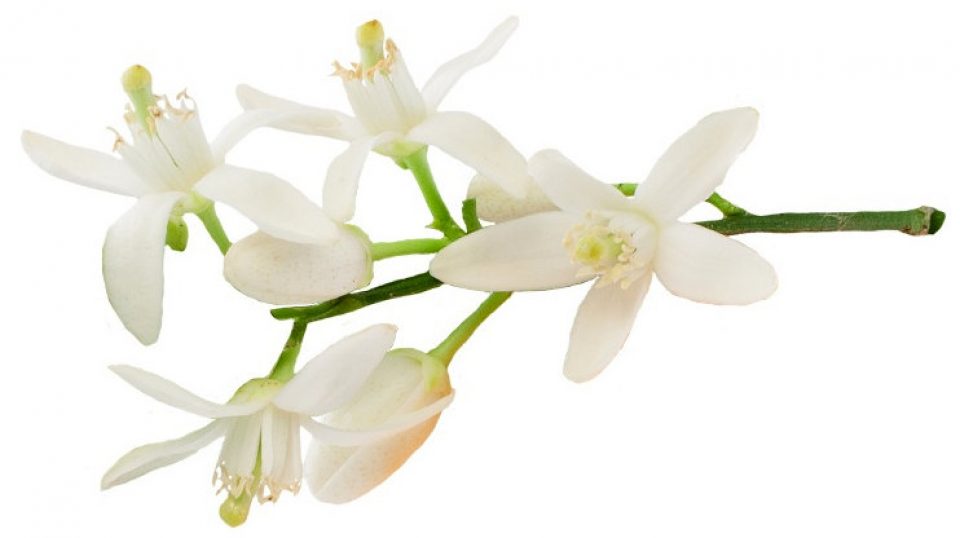
 casa azahar
While you are so busy, don’t forget your Scrabble games. It’s your turn in our game.
Google maps are a good idea. You should be able to save them as an image and upload them in the media thing. Or just put the URL for the map in your blog.
LikeLike
Oh, BTW, the map you posted above works, so just keep doing what you did.
LikeLike
The map I posted above is a screenshot linked to the googlemaps site. I think there is a way to get the already linked map to appear on the blog, but before I make more changes there I really want to get my WordPress updated.
Here are the individual maps I did yesterday before I redid all 30 of them for the main map (I still have to put the photos up on them).
LikeLike
It’s great to have a ‘consuming’ project on the go 😉
I’ve just been doing some googling for “tapas seville” – and the first item on the page is another googlemaps doodah.
The link to your tapas blog is at no7 on the first page. I’m sure we could nudge it a bit further up the page 😀
LikeLike
Hmm – if you google “sevilla tapas” – your site is #2.
Yaay!
LikeLike
I know, it’s crazy, isn’t it! Pretty much if you type in any of the restaurants on my tapas blog, at least one link to the blog will show up on the first page. Alvaro says people pay 2,000 euros to get “moved up” on google, so this is an excellent selling point. I also get 150-200 hits a day there, which is quite good I think.
Can’t wait to get started on the power point thing. My second baby step this week is to find out different ways that people make money from their blogs/websites and so I’ve already got a start on that with Alvaro.
But that damn WordPress update keeps looming like a huge looming thing …
(better go catch up on my scrabble games now)
LikeLike
The map looks good. You’re so moving Spain up on my list of countries to visit.
On the map, if you click the link button, you can get the embed code, which you can copy to put into your blog (is that what you were wondering?)
Question though, it’s been a while since I’ve created a google map (have a bunch to do), but is there a way, to put a link on each tapas place, so when you click on it, it links back to the specific entry on the tapas blog that you wrote, talking about the place? Does that make sense?
LikeLike
I really like the map that shows all the restaurant locations. I am also envisioning that each page of the tapas blog will have a link at the top that says *map it!* which you can click and find that particular restaurant on the google map. Are you are working on that also?
I’m bringing diagrams and notes to lunch today.
signed: Quality Control
LikeLike
Kim, you’ve been reading my mind. While I was in the shower just now I thought I’d put the photos up on the individual maps today and ALSO thought of putting a blog link there too! Great minds…
Thanks for the tip on getting the embed code – I’ll check it out.
“You’re so moving Spain up on my list of countries to visit.”
Resistance is futile…
LikeLike
Okay, QC! I’ll try and remember to bring my brain. 🙂
LikeLike
Right, what do you think of this?
Here is the tapa blog entry for Enrique Becerra with the google map imbedded (thanks Kim!) … do you think having the small map there is a good idea or would it be better to just have a link to the larger map?
And here is the google map page for Enrique Becerra. If you click on the blue place holder you’ll see the address, a photo AND the url link back to the Enrique Becerra blog entry. Cool, eh?
Whew! This is going to take awhile …
LikeLike
I think the map on the blog entry is wonderful and perfect. You cold even put it up higher on the page, right next to the restaurant address. More! I want more!
The google map page… also very cool… but I’m not seeing how this is as useful. How would someone arrive at that page in google maps? Hmmm…
LikeLike
The google map page is what you get when you click on “View Larger Map”. That was my first example with the photo and link in it.
I’ve just finished redoing the main map to include photos and links, and it now has its own page on the tapas blog.
Tapa Map
LikeLike
I’m not sure about having a small map on the blog entry … I think it’s kind of ugly. Since most people are going to click on “View Larger Map” anyhow, how about a cute map icon thingy instead?
LikeLike
That’s really a good addition to your tapas blog. the maps work fine (especially, the street view which matches your photo of Cafe Becerra).
LikeLike
There’s an email on it’s way to your account above…actully there’ll be two.
LikeLike
You can also work your blog locations on Google Earth (via the Google Earth Community) so that they like people to your blog, rahter than just the other way around.
Also, you could create a Google Maps thing like this: http://maps.google.com/maps/user?uid=105615962913636796094&hl=en&gl=us
Which would also bring people to the Tapas pages.
LikeLike
*More! I want more!* Typical …. 😛
Az, does your iPhone have GPS? I know we’ve talked about including GPS coordinates for each place, I really think it would be a good idea. 🙂
Just imagine all the geeky customers it would bring in!
LikeLike
Oh and that Google *move up the page* thing is not all that useful, how many times have you ignored the top highlighted links because you know they’ll be nothing but ads- I know I do all the time.
LikeLike
Picasa has a feature which embeds the Google Earth location in the photo (you have to download Google Earth in order to do it… and Picasa, of course). You can select a series of photos and do the embedding all in one go if the location is the same for the series.
LikeLike
I like the google map with the picture and link back. I can’t decide about the entry though with the small map, whether I like it or not. Maybe an icon or something that said, “Map this Location” would work instead – would have to see it.
LikeLike
I think a cute icon would be better too, Kim.
If I end up reuploading all my photos so they have the watermark on them then I’ll try the Google Earth thing, mudhooks.
It’s so annoying that I’ve only recently found an easy to use (and free!) watermark via Picasa because I think they make the pics look more professional somehow. But that will be a job for later on …
LikeLike
Ah. Web design.
(All my company’s sites have embedded Google maps.)
TRiG.
LikeLike